Okay, So Long Exposure Photography Is My New Obsession
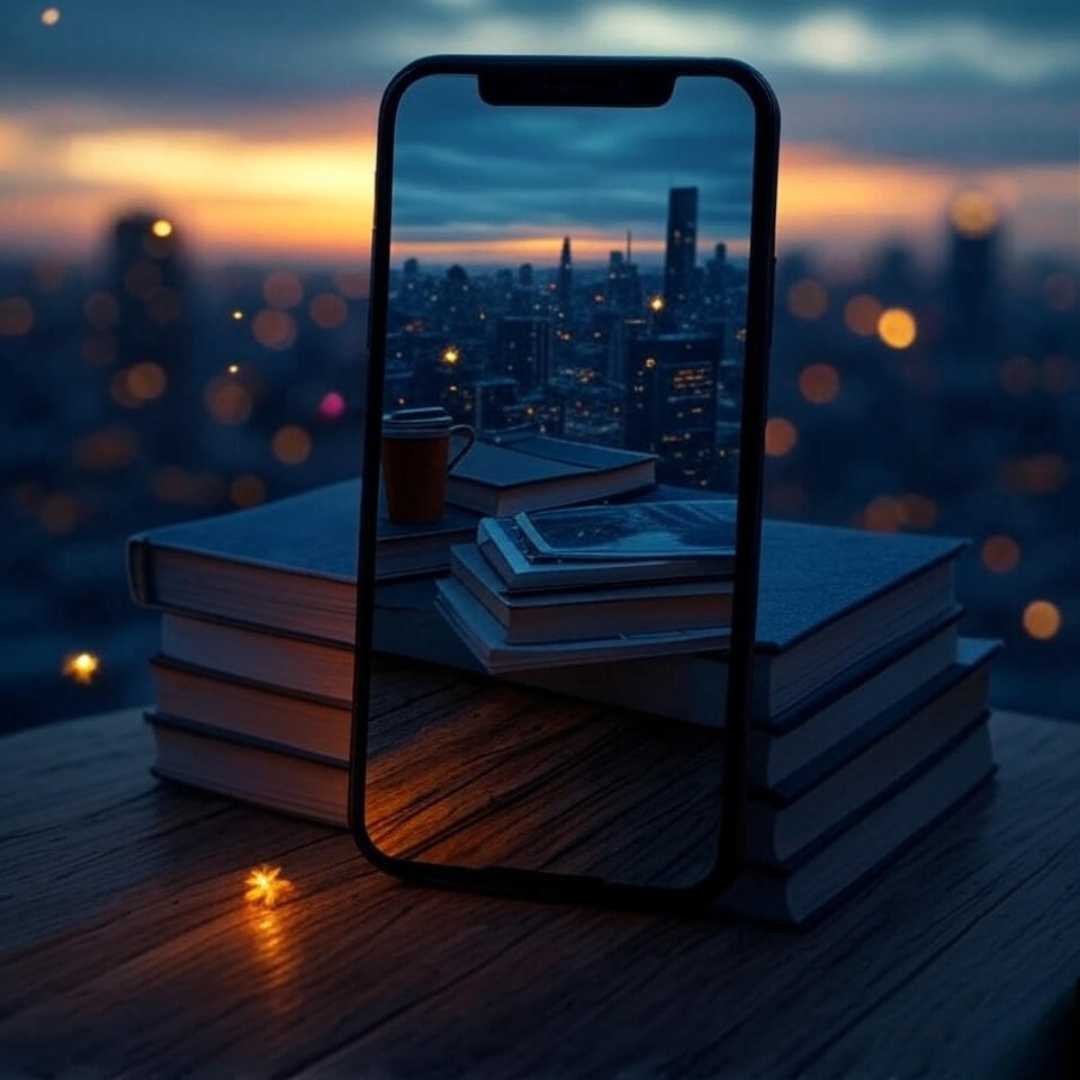
Long exposure photography is, like, my new thing, and I’m totally not good at it yet. I’m writing this in my tiny-ass Brooklyn apartment, blinds barely hanging on, with taxis honking outside like they’re personally mad at me. Last night, I was out there, balancing my phone on a stack of old paperbacks, trying to catch the light trails from cars zooming down Flatbush Avenue. Spilled my bodega coffee all over my jeans—classic me. The photo? Kinda blurry, kinda magical, like I accidentally stumbled into art. If I can pull this off, you totally can too.
I wasn’t always into this stuff. Back in Ohio, I thought long exposure was for fancy photographers with, like, actual cameras. But New York’s got this energy—lights, movement, chaos—that made me wanna try. My first attempt was a total disaster, like, I used some sketchy free app and got a photo that looked like a drunk firefly’s scribbles. But that mess? It got me hooked. I found this PetaPixel guide super helpful for figuring out what I was doing wrong, FYI.
Why You Don’t Need a Fancy Camera for Long Exposure Photos
Your Phone + Apps = Long Exposure Magic
You don’t need some crazy expensive camera to do long exposure photos, I swear. Your phone’s good enough. I learned this when I left my charger at my friend’s place in Queens and had to make do with my iPhone for a whole weekend. Apps like Slow Shutter Cam and ProCam 8 let you mess with shutter speed right on your phone, turning boring streets into glowing light shows. I’m obsessed with how a 5-second exposure makes cars look like neon streaks. I set up by the Brooklyn Bridge once, phone wobbling on a railing—prayed it wouldn’t take a swim in the East River.
- Slow Shutter Cam: Easy to use. Got me light trails from cabs speeding by. Costs a couple bucks, but worth it.
- ProCam 8: Feels pro with manual controls. I used it for a Hudson River shot at dusk, felt like a boss.
- Spectre Camera: Has AI that saves my clumsy ass. Perfect for when I’m shaky-handed.

My Fave Apps for Long Exposure Photography (and My Many Fails)
Slow Shutter Cam: Where My Long Exposure Love Started
I found Slow Shutter Cam during a 2 a.m. doomscroll, and it’s been my jam ever since. It’s got modes for light trails, motion blur, even low-light stuff. Last week, I tried it in Central Park, aiming for joggers blurring past some cherry blossoms. Forgot to stabilize my phone, and the shot looked like a ghost got lost in a pink fog. Total fail, but I laughed. TechRadar’s review explains why it’s great for newbies like me who mess up constantly.
ProCam 8: Pretending I’m a Pro at Long Exposure
ProCam 8 makes me feel like I know what I’m doing, even though I’m totally winging it. You can tweak shutter speed and ISO, which I butchered my first few tries. Picture me in Times Square, drowning in tourists and neon lights, trying to catch billboard light trails. First shot? Way too bright, like a supernova exploded. After watching Moment’s mobile photography tips, I got a shot that actually looked decent. Start with a 3-second exposure, trust me.

Spectre Camera: Saving My Long Exposure Butt
Spectre Camera’s AI is like a friend who fixes your screw-ups. I used it at a Williamsburg rooftop bar, trying to catch ferries streaking across the water. I was tipsy (too many craft beers, my bad), but Spectre’s stabilization made the shot look pro—silky water, glowing skyline. I’m not saying I cried a little, but… okay, I did. Apple’s App Store page hypes its AI, and I get why.
Tips from My Long Exposure Photography Disasters
Here’s what I’ve figured out, mostly by screwing up:
- Stabilize your damn phone. I’ve used tripods, takeout boxes, even a stack of coasters. Whatever works.
- Time it right. Dusk or night for light trails. Tried at noon once, looked like trash.
- Play with exposure times. 3-5 seconds for cars, longer for water or stars. I learned this after many blurry messes.
- Wipe your lens. My early shots had pizza grease smudges. Embarrassing, but true.

Wrapping Up: Long Exposure Photography Is Worth the Chaos
Look, I’m a mess. My apartment’s got coffee stains, tripods I keep tripping over, and a fridge with nothing but leftover dumplings. But long exposure photography? It’s got me seeing the world in this wild, dreamy way. These apps—Slow Shutter Cam, ProCam 8, Spectre Camera—make it so you don’t need to be perfect to make something beautiful. I’m still learning, still fumbling, but that’s the fun of it. So grab your phone, find a busy street or a quiet river, and just go for it. Worst case? You get a blurry pic and a good story.
Call to Action: Download one of these apps and try a long exposure shot tonight. Tag me on social media—I wanna see your light trails, blurry or not!