My Messy Journey with Private Browser Apps
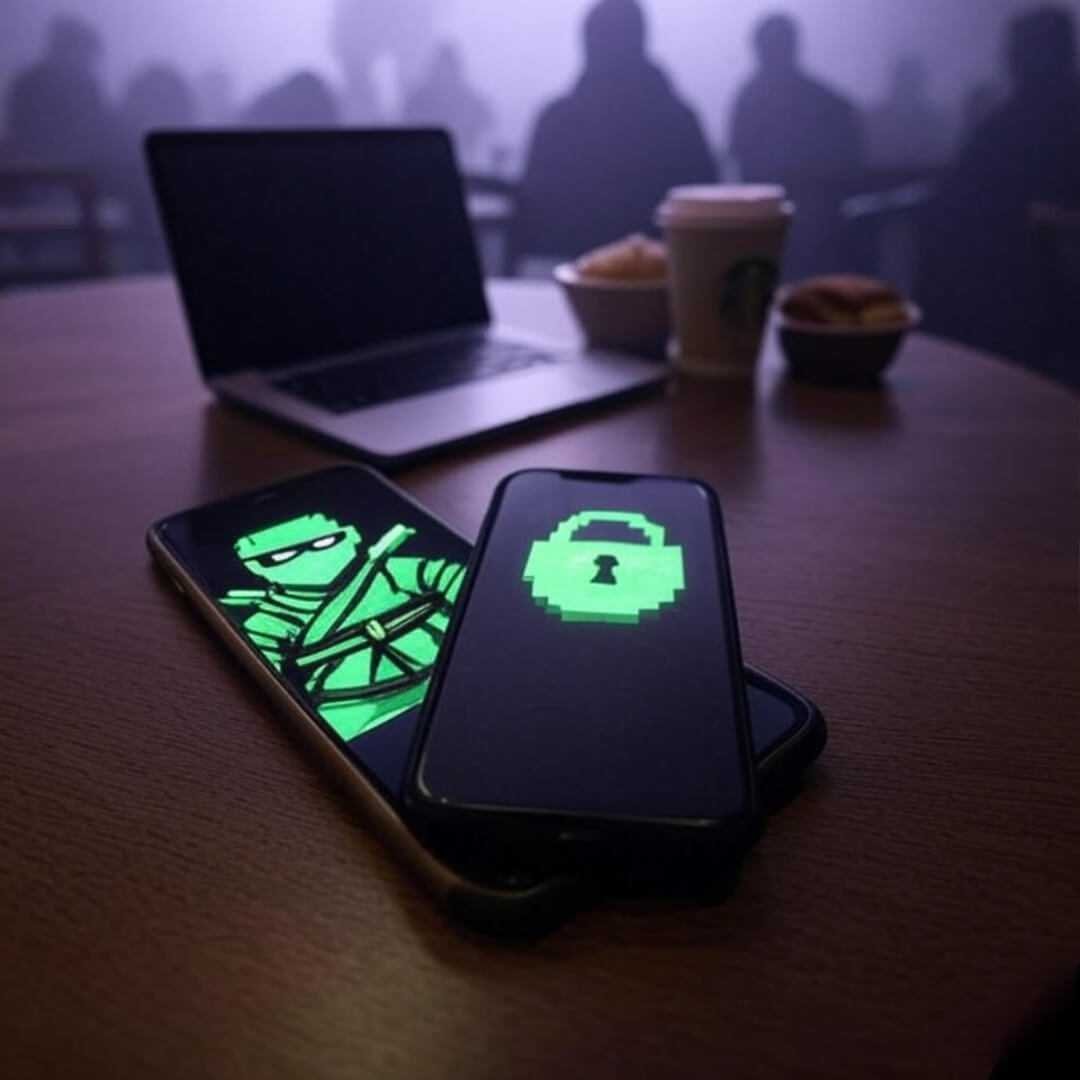
Private browser apps are my lifeline, okay? I’m sitting here in a noisy Brooklyn coffee shop, the kind with overpriced oat milk lattes and wobbly tables, trying to browse without every ad network knowing my shoe size. The Wi-Fi’s sketchy, the guy next to me is blasting some podcast about crypto, and I’m just praying my search for “best vegan tacos” doesn’t end up in some data broker’s hands. Like, seriously, I’ve had moments where I’m googling something dumb—like that time I looked up “why do my socks keep disappearing” at 2 a.m.—and suddenly I’m getting ads for sock subscriptions. Creepy, right? That’s why I’m obsessed with private browser apps, and I’m gonna spill my unfiltered, slightly embarrassing thoughts on them.
Back in the day, I thought incognito mode in Chrome was enough. Spoiler: it’s not. It’s like putting a paper bag over your head and thinking you’re invisible. I learned that the hard way when I borrowed my friend’s laptop in Seattle last summer and saw my search history pop up in targeted ads. Mortifying. So, I dove headfirst into privacy-focused browsers, and let me tell you, it’s been a chaotic ride.
Why Private Browser Apps Are My Jam
Keeping My Browsing on the Down-Low
Private browser apps, like Tor or Brave, are built to keep your digital footprint basically nonexistent. I’m no tech wizard, but I love how these apps block trackers like they’re swatting away annoying flies. Take Brave—it’s got this built-in shield that stops ads and trackers cold. I was at a diner in Philly last month, scrolling through some questionable forums (don’t ask), and Brave didn’t let a single pop-up ruin my vibe. Check out Brave’s official site for the deets on how it works—it’s legit.
But here’s the thing: I’m paranoid. Like, I’ll clear my cookies twice a day and still wonder if Big Tech’s watching me. Private browser apps give me this cautious optimism, like I’m finally sticking it to the man, even if I’m just googling “best dive bars in Bushwick.”

My Embarrassing Rookie Mistakes with Secure Browsing
Okay, true story: I once downloaded a “privacy browser” that was basically malware in disguise. I was in a panic at a friend’s place in Chicago, trying to fix my laptop after clicking some shady link promising “ultimate anonymity.” My screen was a mess of pop-ups, and I had to beg my techie cousin to bail me out. Lesson learned—stick to legit apps like Firefox Focus or Tor. Firefox Focus, for example, auto-deletes your history after every session, which is perfect for someone like me who forgets to clear it manually. Peep Firefox Focus’s page for more.
Another dumb move? I used to think VPNs and private browsers were the same thing. Nope. I was chilling in a park in Austin, using a VPN but still on Chrome, thinking I was untouchable. Turns out, VPNs hide your location, but private browser apps are what stop trackers from profiling you. Combining them is the real power move.
My Top Picks for Private Browser Apps
Here’s my go-to list of privacy-focused browsers, straight from my messy trial-and-error:
- Brave: Blocks ads and trackers by default. Super fast, and I love earning crypto rewards (even if I don’t totally get how it works).
- Tor Browser: The OG for anonymous browsing. It’s slow sometimes, but it’s like the Fort Knox of privacy. I used it last week to check out some indie art sites without leaving a trace.
- Firefox Focus: Perfect for quick, no-history sessions. I use it when I’m impulse-shopping on my phone in an Uber.
Each one’s got its quirks, but they all beat regular browsers for secure browsing. If you’re curious about Tor, the Tor Project’s site breaks it down better than I ever could.

Tips from My Chaotic Privacy Journey
Wanna get started with private browser apps? Here’s my advice, learned from way too many late-night Googling sessions:
- Start with Brave for everyday use. It’s user-friendly and doesn’t feel like you’re hacking the Pentagon.
- Use Tor for super sensitive stuff. But, like, don’t expect it to load Netflix in two seconds.
- Combine with a VPN for extra protection. I use one when I’m on public Wi-Fi, like at this coffee shop where the barista’s giving me side-eye for hogging the table.
- Check app reviews before downloading. Avoid my Chicago malware fiasco.
Oh, and don’t be like me and forget to update your browser. I skipped updates for months and wondered why my app was glitchy. Classic.
The Emotional Rollercoaster of Anonymous Browsing
Why I’m Obsessed with Private Browser Apps
There’s something freeing about browsing without a digital shadow. I was at a bar in Portland last week, using Firefox Focus on my phone to look up some old band merch, and I didn’t have to worry about ads following me for weeks. But, real talk, it’s also kinda lonely. Like, I’m hiding from the internet, but sometimes I wonder if I’m overdoing it. Am I paranoid, or is Big Tech really out to get me? Probably both.
The cautious optimism of private browser apps is addictive, though. It’s like I’m reclaiming a tiny piece of my digital soul every time I block a tracker. But I still mess up—like forgetting to close a tab and leaving my search for “weirdest pizza toppings” open for my roommate to see. Embarrassing.

Wrapping Up My Rambling Thoughts on Private Browser Apps
So, yeah, private browser apps are my messy, imperfect shield against the internet’s nosy nonsense. I’m no expert—just a guy in a Brooklyn coffee shop, dodging trackers while sipping overpriced coffee. If you’re sick of ads knowing your every move, give Brave, Tor, or Firefox Focus a shot. They’re not perfect, but they’re better than getting spammed with sock ads. Got a favorite private browser app? Hit me up on X or wherever—let’s swap tips.